Reset a password
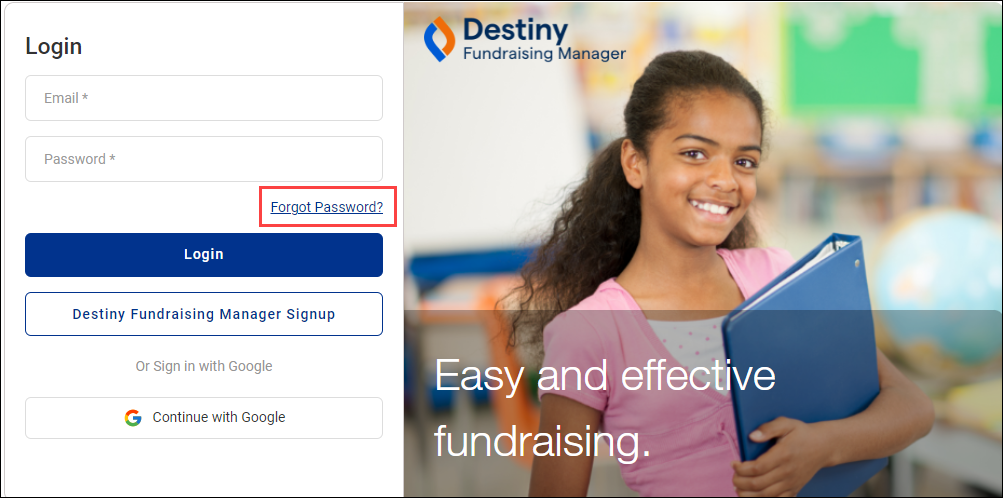
If you forget your password, you can reset it from the login screen.
- Click Forgot Password?
Note: If you sign in with Google, see your Google administrator to reset your password.
- Enter your email address and click Reset Password.
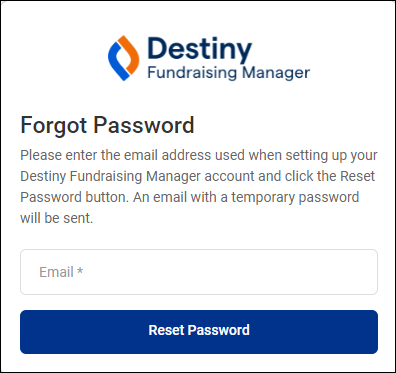
- If your account is found, you will receive an email.
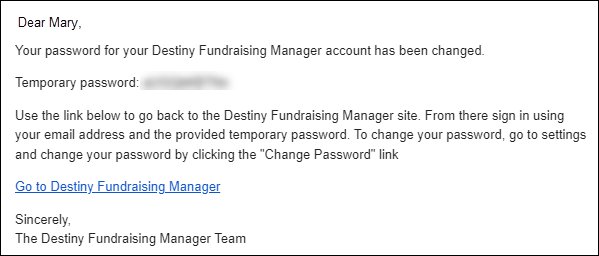
Note: The email will come from experience@notify.livingtree.com.
-
In the email, click Go to Destiny Fundraising Manager.
-
Click Login.
-
Enter your email and temporary password.
-
Click Login.
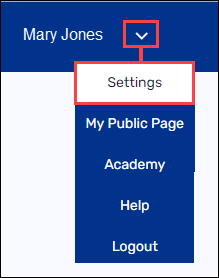
- In the top-right corner, hover over the down arrow, then click Settings.
-
Under Profile Settings, select Personal Information.
-
Next to Password, click Update.
- Under Password, enter the temporary password. Then, enter and re-enter a new password.

-
Click Save.
For additional help, contact techsupport@follettsoftware.com.